 Zinn® Uptime
Guides
Detect blank and broken pages with a keyword
Use expected text so a page that answers but shows an error is counted as down.
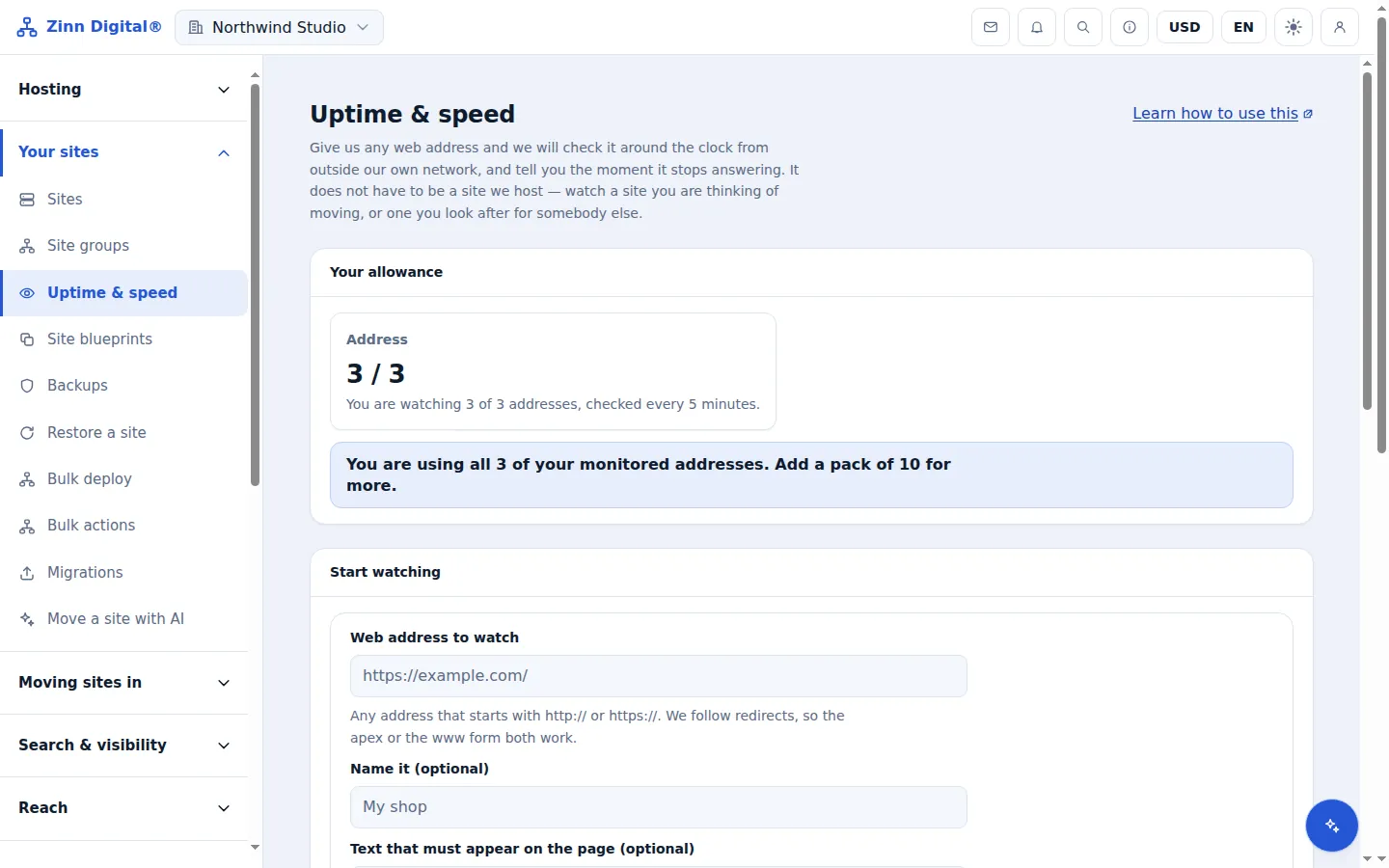
Pick a word that only a working page shows
Choose something from the real content — your site name in the header, a footer phrase or a product heading. Avoid words that also appear on error pages, such as "error" or "home".
Add it as expected text
When adding the monitor, enter it under Text that must appear on the page. Up to 200 characters.
Check the first result
After the first check the monitor should read Up. If it reads Down with the reason expected text missing, the text is not in the page the monitor receives; pick another phrase.
Keep it current
If you redesign the page and the phrase disappears, the monitor will report an outage. Update the expected text as part of the change.
Host the site with us too
Zinn® Uptime lives in the same account as Zinn Digital® Hosting: one login, one bill, and the sites you host with us sit right beside the ones you watch. Hosting comes with a 99.9% monthly availability guarantee, credited in one click if we miss it.
Monitoring and domain watching are free on every Zinn Digital® account, hosting or not.