 Zinn® Uptime
Features
Zinn® Uptime is website uptime monitoring for any web address: it checks around the clock, confirms every failure with a second check before it alerts you, and tells you by email, Slack, Telegram or webhook. Three monitors are free, with no card.
Website checks that behave like a visitor
Each check is a real request for your page, the same one a visitor's browser would make.
A monitor is only as good as the question it asks. Zinn® Uptime does not ping a server or open a port and call that a website; it asks for the page itself, over HTTP or HTTPS, exactly as a browser would, and waits for the answer. If the name does not resolve, the connection is refused, the certificate cannot be trusted, the server answers with an error or nothing comes back within ten seconds, that check has failed — and the reason is recorded in plain words, so the alert tells you where to start looking.
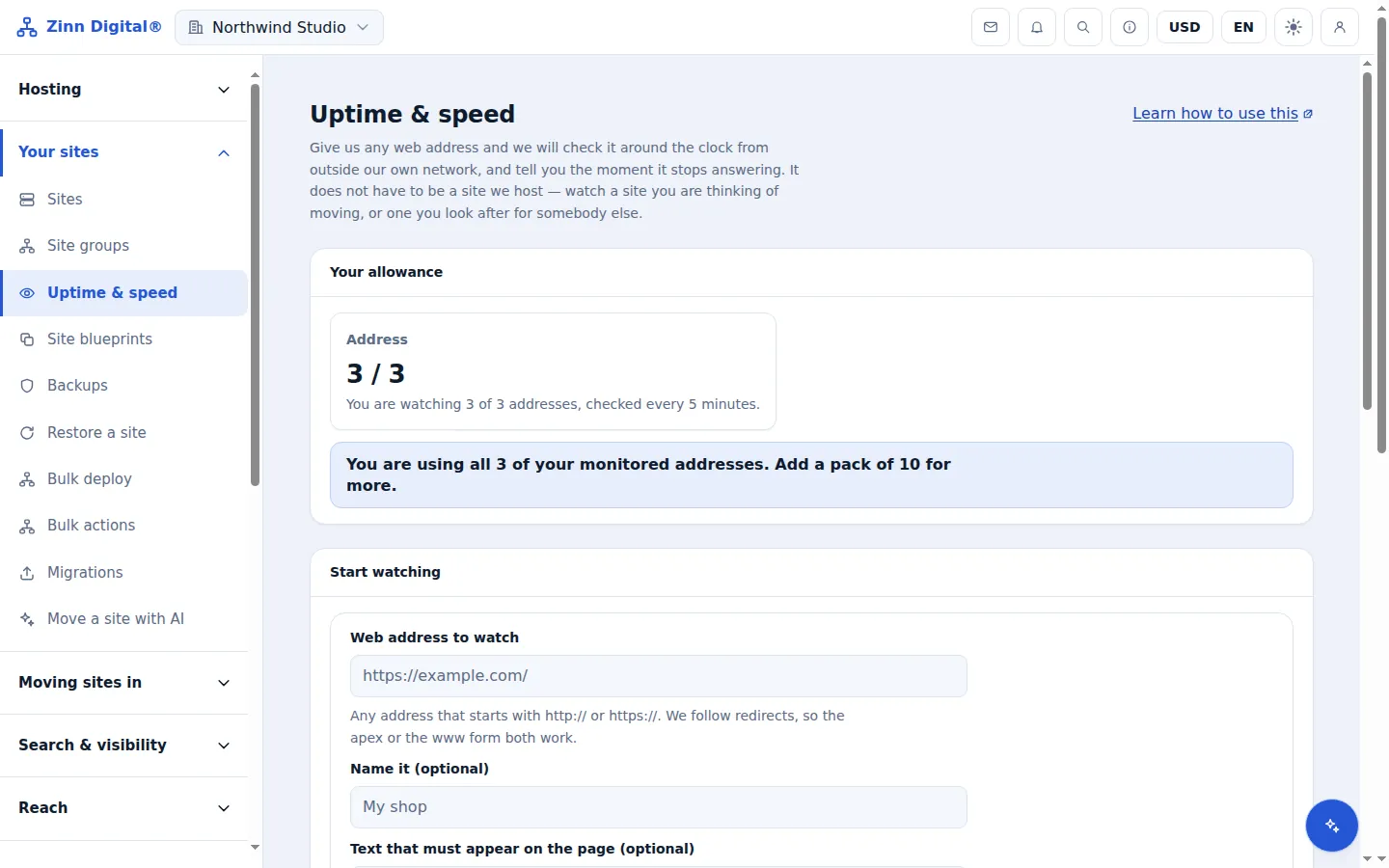
- Free monitors are checked every 5 minutes; with a pack, every address on the account is checked every minute.
- Redirects are followed, so you can watch the address people type rather than where it ends up.
- Any 2xx or 3xx answer counts as up; a 4xx or 5xx answer counts as down.
- A page that takes longer than 10 seconds to answer counts as timed out.
Outages confirmed before anyone is paged
False alarms train people to ignore alerts, so every failure has to prove itself.
The internet drops packets, routes flap and a single server somewhere has a bad minute. A monitor that pages you for every one of those teaches you to ignore it, and then misses the outage that matters. So a failure has to prove itself twice: the moment a check fails, the same address is requested again with a brand-new request, which is usually served from a different location. If that second request gets through, the blip is set aside. Only when failures are confirmed on two checks in a row is the address marked down and anyone told. If a large share of every address we watch fails at the same moment, we assume the problem is ours rather than yours, and record nothing.
- A failed check is repeated immediately with a fresh request, usually served from a different location.
- If that second request reaches the site, the first failure is discarded.
- A site is declared down after two confirmed failures in a row, so you hear within about two check intervals.
- A bot-protection challenge page is never counted as your site being down.
Keyword checks for broken pages
The outage a status code cannot see is the page that loads but is empty.
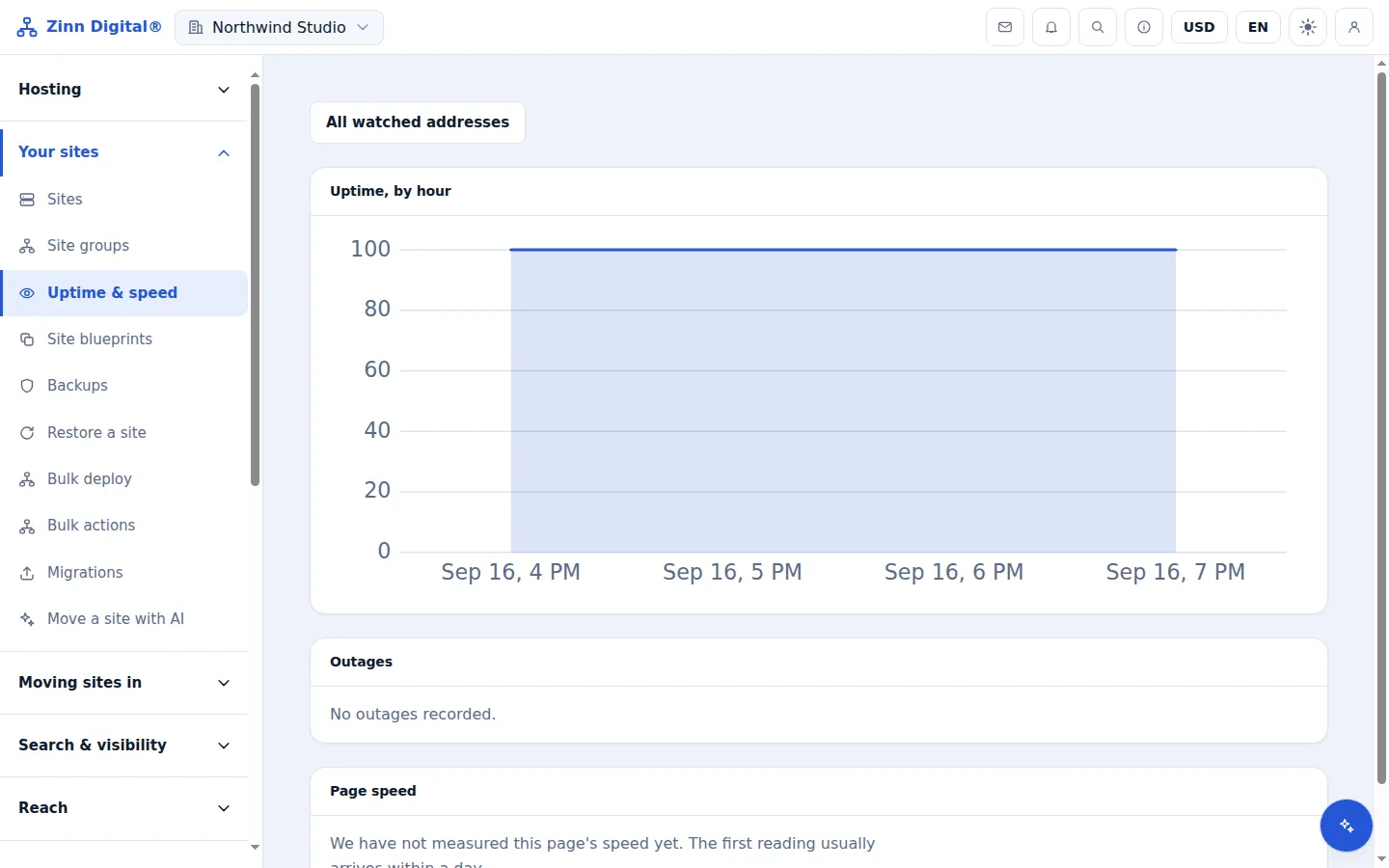
Some of the worst outages answer with a perfectly healthy status code. A WordPress site whose database has gone away, a shop whose theme update broke the template, a page served blank by a misconfigured cache — all of them can return 200. Give a monitor a short piece of text that only appears when the page really works, such as your site name or a phrase from the footer, and a page that loads without it counts as down, with the reason "expected text missing".
- Add up to 200 characters of text that must appear in the page.
- If the text is missing, the check fails with the reason "expected text missing".
Alerts by email, Slack, Telegram and webhook
One message when a site goes down and one when it recovers — never a message every minute.
An alert is only useful if the right person sees it. Every member of the account is emailed when an address goes down, with no setup. Connect Slack, Telegram or your own webhook and the same alert is delivered there as well, so the team channel and the on-call engineer's phone both hear about it. Alerts fire on the change, not the state: one message when a site goes down, and one when it comes back with roughly how long it was gone — never a message every minute while it stays down.
- Every member of the account is emailed when an address goes down.
- Connect Slack, Telegram or a webhook and the same alerts are delivered there too.
- Webhooks are signed with an HMAC over a timestamp and the body, so your endpoint can verify they came from us.
- The recovery message says roughly how long the site was down.
Uptime history and response times
Numbers you can show a client, kept for as long as the monitor exists.
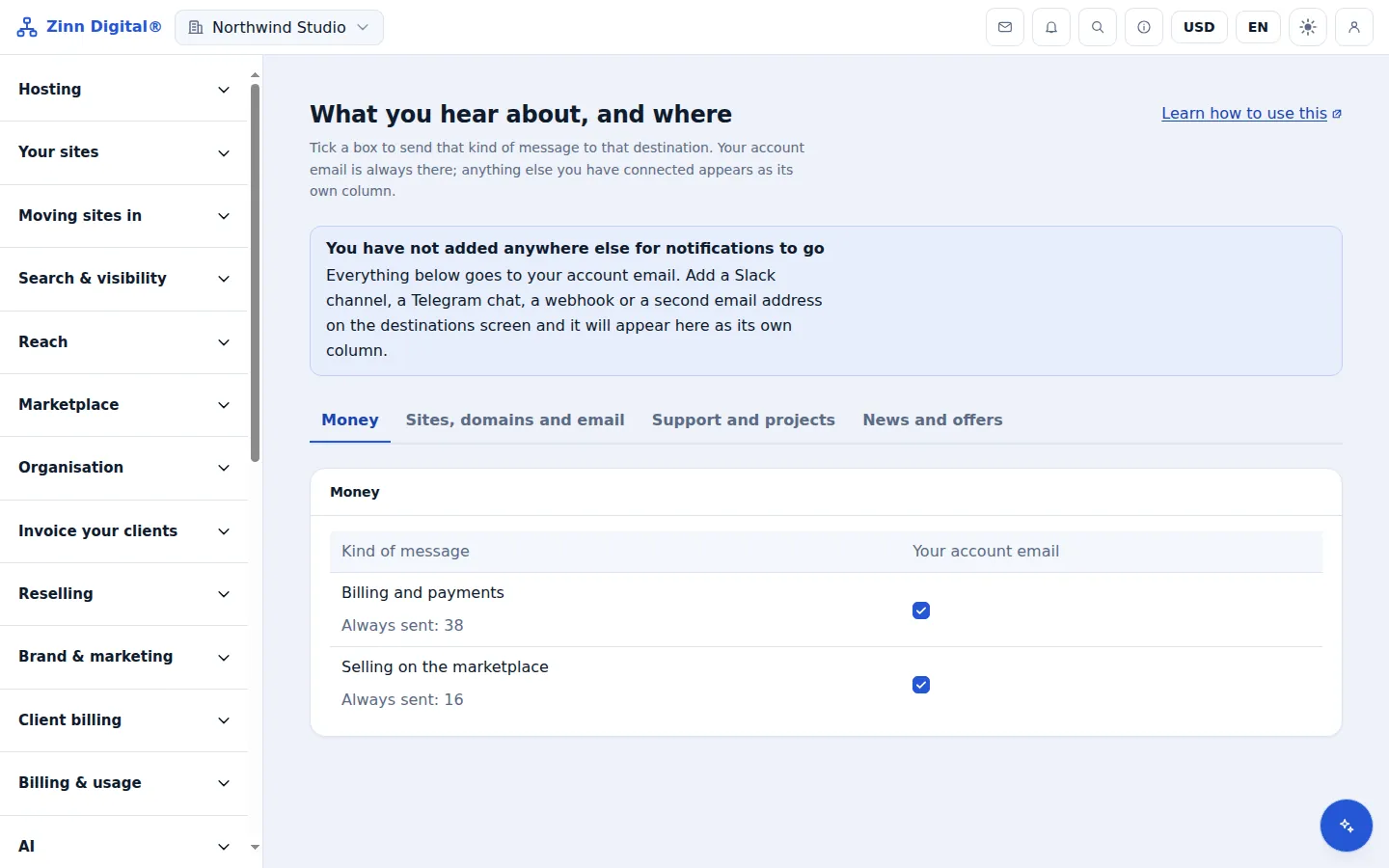
When a client asks whether their site was down on Tuesday, the answer should be a record, not a memory. Each address keeps its uptime and typical response time for the last 30 days on the list, hour-by-hour uptime with average and slowest response time in its detail view, and every outage with when it started, how long it lasted and where the failure was confirmed from. The history stays for as long as you keep watching the address; pausing a monitor keeps it, and removing the monitor removes it.
- Uptime and typical response time over the last 30 days on the list.
- Hour-by-hour uptime and average and slowest response time for each address.
- Every outage on record, with how long it lasted and where it was confirmed from.
Page speed alongside uptime
An answering site can still be too slow to use.
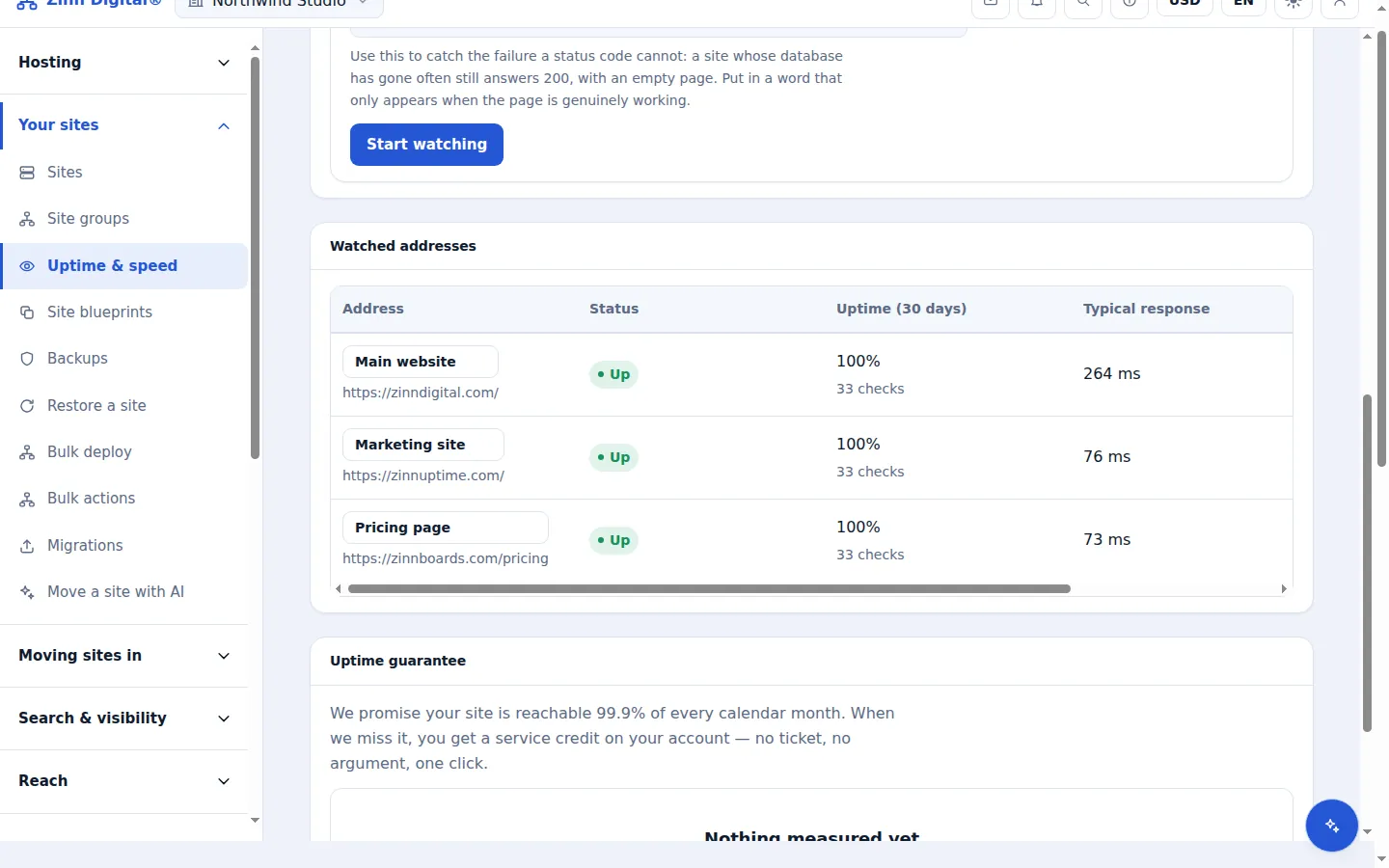
A site that answers in eight seconds is technically up and practically down. Alongside the availability checks, each watched page has its Core Web Vitals measured — the loading, interactivity and layout-stability figures search engines use — daily while you have a pack and weekly on the free tier. A slow week after a plugin update sits on the same screen as the uptime history, so you do not need a second tool to notice it.
- Core Web Vitals are measured for each watched page — daily with a pack, weekly on the free tier.
- Shown beside the uptime history, so a slow week and an outage are on one screen.
Domain monitoring, free
A lapsed domain takes the site, the email and the search rankings with it.
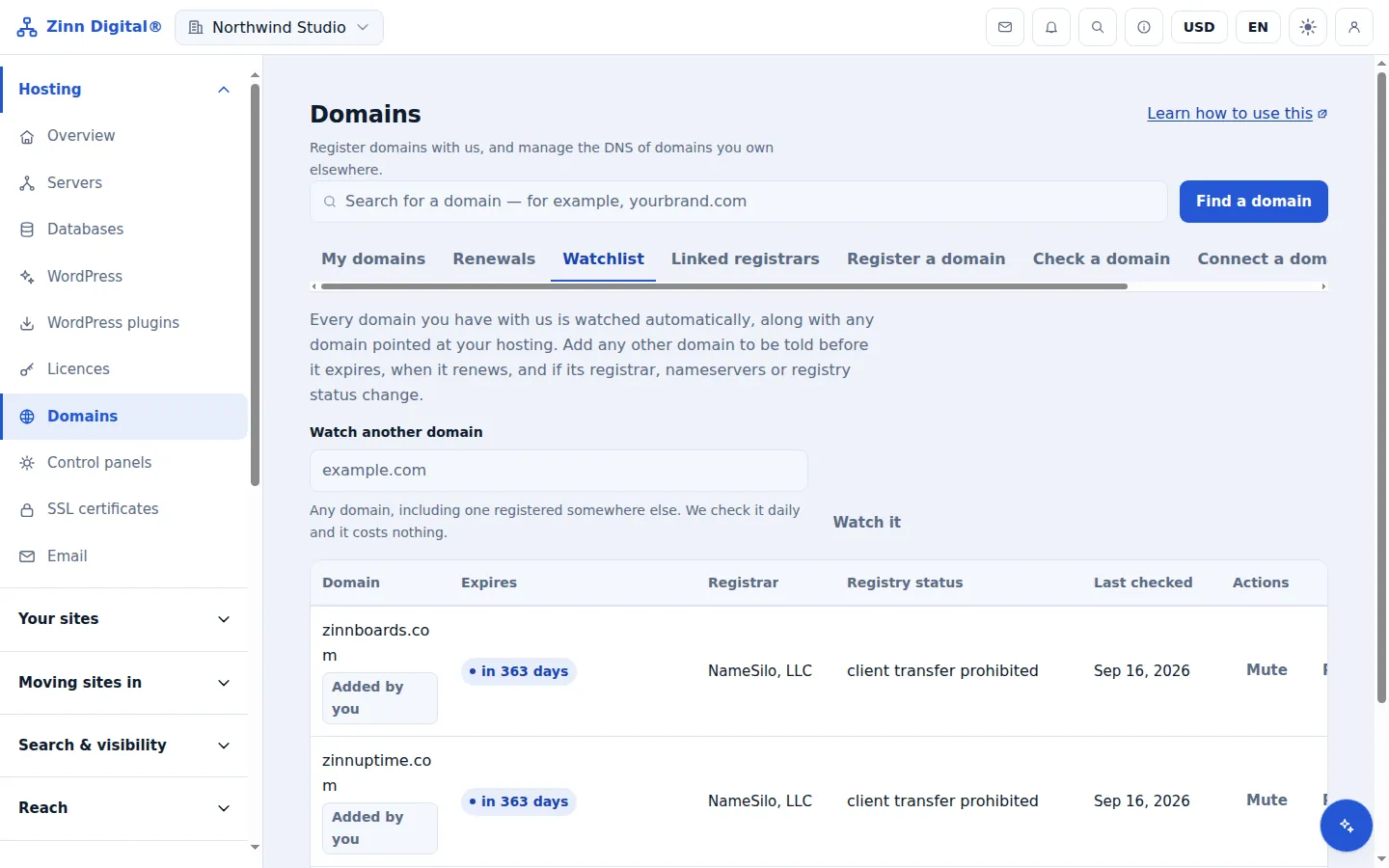
Domains lapse for dull reasons: the card on file expired, the renewal reminder went to someone who left, auto-renew was never on. When it happens, the website, the email and years of search ranking go with it, and the name can be registered by somebody else. Zinn® Uptime reads each watched domain's public registration record once a day and warns you 60, 30, 14, 7 and 1 day before it expires. It also compares the record with the day before and alerts you when the registrar, nameservers or registry status change — often the first sign that a domain account has been taken over.
- We read each watched domain's registration record once a day.
- Expiry warnings 60, 30, 14, 7 and 1 day ahead.
- Alerts when the registrar, the nameservers or the registry status change, or when the domain disappears.
- Domains registered or hosted with us are added for you; add any other domain by name.
Pause, stop and automate
Monitoring should fit around the work, not the other way round.
Monitoring has to fit around real work. Pause a monitor before a planned migration or maintenance and resume it afterwards; paused monitors are not checked and send nothing, and their history is kept. Everything on the Uptime screen is also available through the REST API, so monitors can be created and removed by your own deployment scripts. And because down and recovered are platform events, they can start an automation on a Zinn® Boards board — opening a card for the outage, for example.
- Pause a monitor during planned work and resume it afterwards, with its history intact.
- Create, rename, pause and remove monitors through the REST API.
- Down and recovered events can start an automation on a Zinn® Boards board.
Host the site with us too
Zinn® Uptime lives in the same account as Zinn Digital® Hosting: one login, one bill, and the sites you host with us sit right beside the ones you watch. Hosting comes with a 99.9% monthly availability guarantee, credited in one click if we miss it.
Monitoring and domain watching are free on every Zinn Digital® account, hosting or not.