 Zinn® Uptime
Guides
How to check if a website is down
A quick way to tell whether a site is down for everyone or just for you — and how to stop having to check by hand.
Try another network
Open the site on your phone with Wi-Fi switched off. If it loads there, the problem is likely your own connection, DNS or a browser extension rather than the site.
Look at the error
"Server not found" points at DNS or an expired domain. "Connection refused" or "timed out" points at the server. A certificate warning points at TLS. A 500 or 503 page means the server answered but the application failed.
Check the domain has not expired
Look up the domain's registration record for its expiry date. An expired domain takes the website and its email down together.
Ask from outside
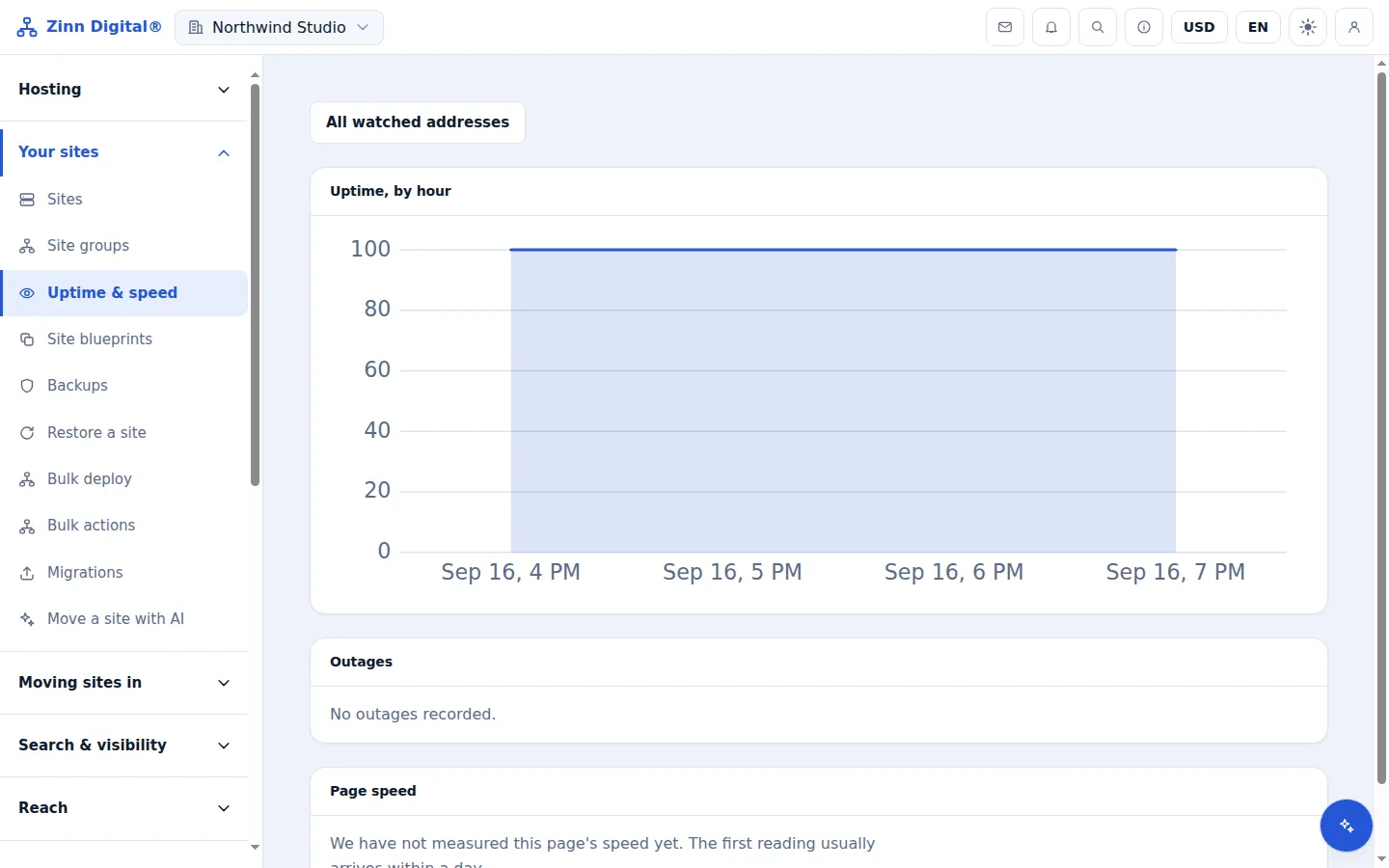
Add the address to Zinn® Uptime. The first check runs from outside your network and tells you whether it is up, and why not if it is down.
Stop checking by hand
Leave the monitor running and you will be told the next time it goes down, confirmed from a second location first, by email, Slack, Telegram or webhook.
Host the site with us too
Zinn® Uptime lives in the same account as Zinn Digital® Hosting: one login, one bill, and the sites you host with us sit right beside the ones you watch. Hosting comes with a 99.9% monthly availability guarantee, credited in one click if we miss it.
Monitoring and domain watching are free on every Zinn Digital® account, hosting or not.