 Zinn® Uptime
Guides
Send uptime alerts to Slack, Telegram or a webhook
Email alerts are automatic; connect Slack, Telegram or a webhook to be told there as well.
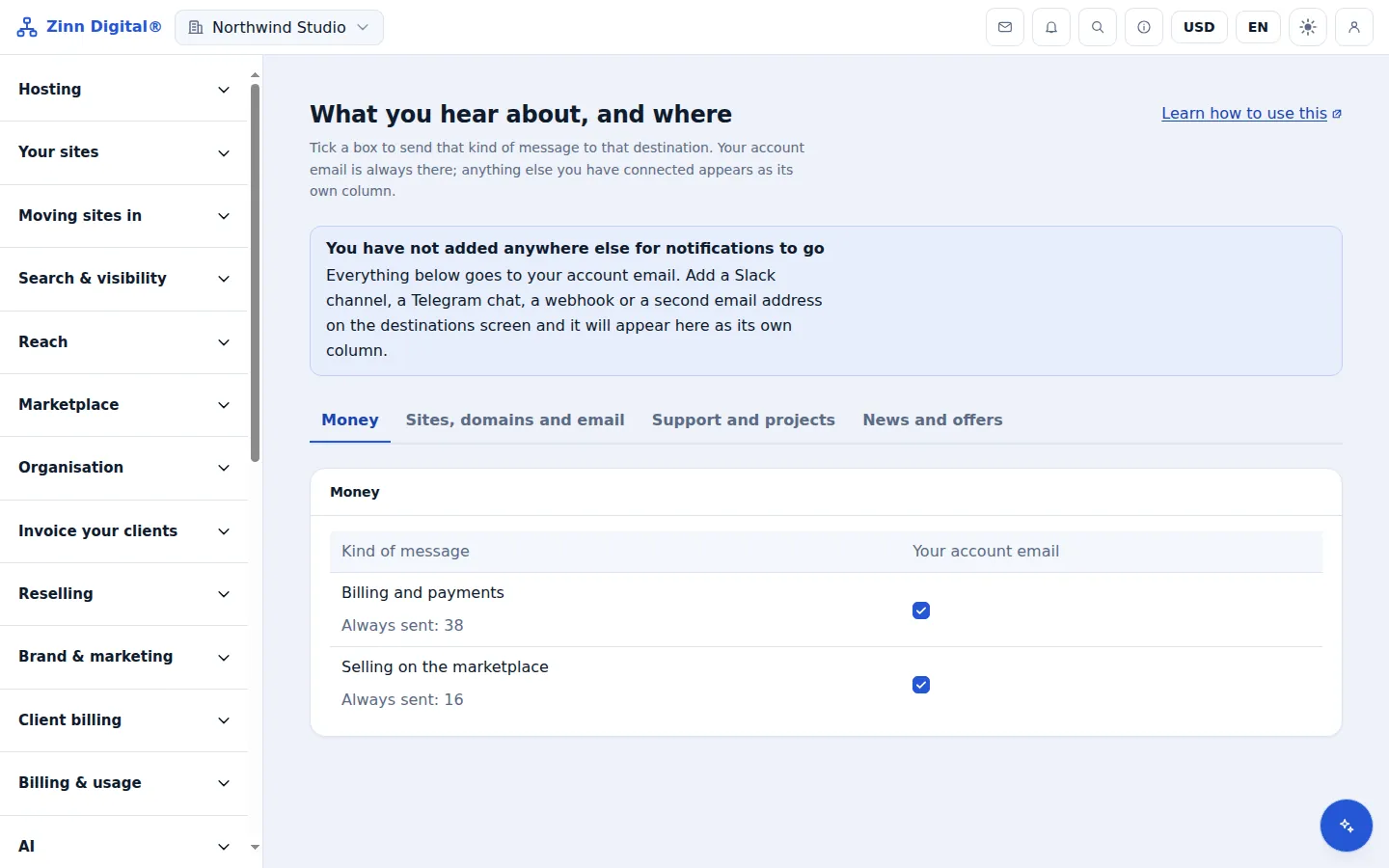
Email is already on
Every member of the account is emailed when an address goes down and again when it recovers. There is nothing to set up.
Open Notification settings
In the app menu, open Notification settings and choose to connect a destination.
Connect Slack, Telegram or a webhook
Follow the steps for the destination you choose. A webhook needs an HTTPS address that accepts a POST request.
Route monitoring alerts to it
Make sure monitoring events are switched on for the destination, and from then on down and recovery alerts arrive there too.
Verify webhook signatures
Each webhook carries an X-Zinn-Signature header: an HMAC-SHA256 over the timestamp, a dot and the raw body. Compute it with your signing secret and compare before trusting the request.
Host the site with us too
Zinn® Uptime lives in the same account as Zinn Digital® Hosting: one login, one bill, and the sites you host with us sit right beside the ones you watch. Hosting comes with a 99.9% monthly availability guarantee, credited in one click if we miss it.
Monitoring and domain watching are free on every Zinn Digital® account, hosting or not.