 Zinn® Uptime
Guides
Pause or stop watching an address
Pause a monitor during planned work, or remove it when you no longer need it.
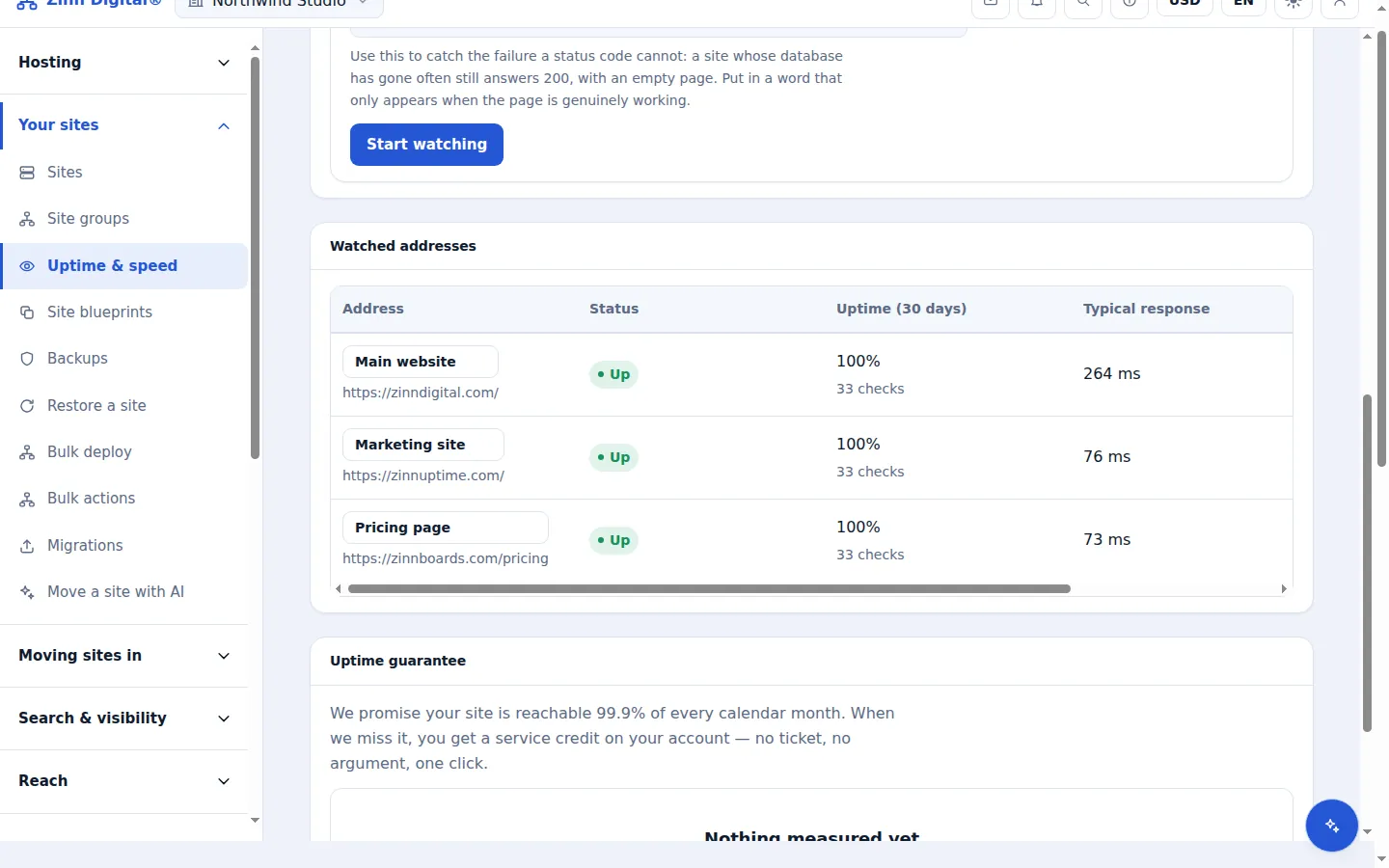
Pause for planned work
On the Uptime screen, select Pause beside the address. A paused monitor is not checked and sends no alerts.
Resume when you are done
Select Resume. Checks start again and the history from before the pause is kept.
Stop watching
Select Stop watching to remove the monitor. Its history is removed with it, and the address no longer counts towards your allowance.
Host the site with us too
Zinn® Uptime lives in the same account as Zinn Digital® Hosting: one login, one bill, and the sites you host with us sit right beside the ones you watch. Hosting comes with a 99.9% monthly availability guarantee, credited in one click if we miss it.
Monitoring and domain watching are free on every Zinn Digital® account, hosting or not.